
ComfyUI Turns Image-Making Into a Connected Workflow
Priya N. Chen on 18th Nov 2026

ComfyUI Turns Image-Making Into a Connected Workflow
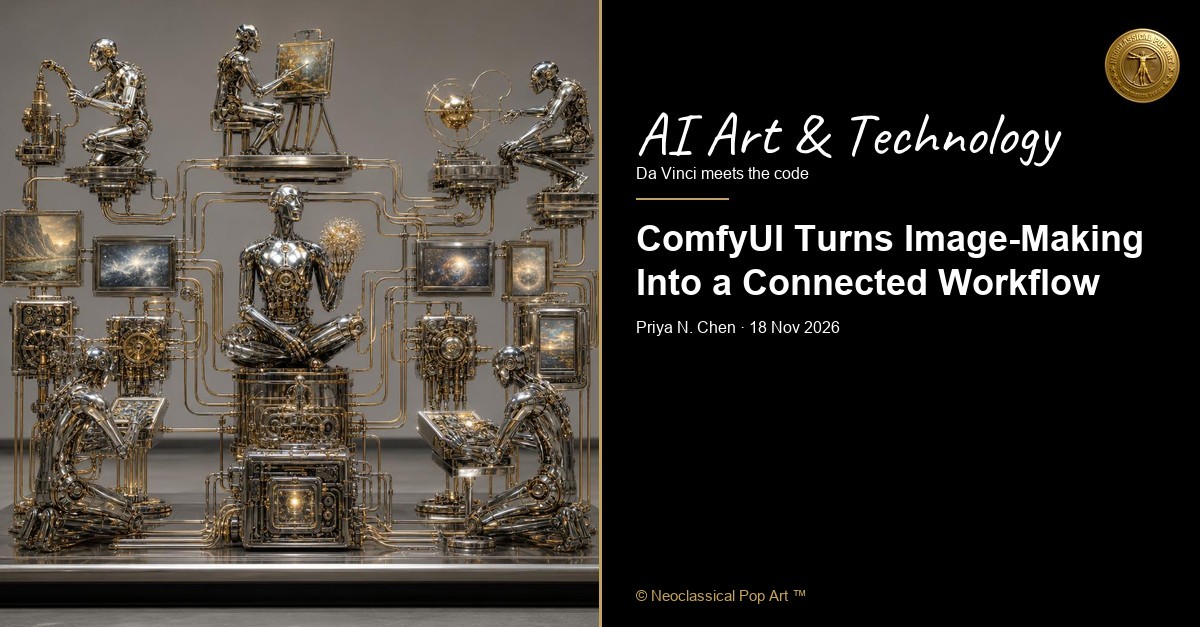
ComfyUI is an open-source tool that lets artists build image-making workflows by connecting blocks on a canvas. It is made for generative AI, software that produces media from instructions. Each block, called a node, handles one task. The artist can see and change the route from a written description to an image.
The official first-image tutorial uses Stable Diffusion 1.5 to generate a 512 × 512 image from a text description. A model is software adjusted during training, a process that uses examples to shape how it responds. The tutorial connects seven nodes of six types. A model loader brings in the model. Prompt encoders turn the description into data. A blank latent image is a hidden starting plan for the picture. A sampler develops that plan, a decoder turns it into visible pixels, and an image saver stores the result. The steps work like stations passing a task along a line.
A beginner can follow the tutorial by opening ComfyUI, downloading its named model file, placing it in the folder the program reads, then adding and connecting nodes on an empty canvas. ComfyUI also offers a cloud template that needs no local installation. The free local version requires the user to supply a graphics processing unit, or GPU, a chip that handles image calculations, and manage models and extra nodes. The cloud service has five free GPU runs for new users. Paid plans start at $16 a month when billed yearly; higher plans cost more. Cloud subscribers pay ComfyUI’s service.
The fear is plain: artists may worry about the effect of AI image-making on their work and income. The hope is also plain: a free local tool and a visible workflow can give artists more ways to experiment and learn. Andrew Ng’s recorded stance is optimism through access and education. That view fits the appeal of a free local version, though the need for a suitable computer can be a barrier. Is AI a tool in the hand of the artist, as the camera and the brush were, or something else, because it was trained on examples and is built by companies? In ComfyUI, the artist chooses the prompt and workflow, then judges the output. The model turns text into an image through its trained process; the artist directs the steps and decides what belongs in the work.
Join Neoclassical Pop Art daily take on the arts, the weekly letter, and first word on product launches, sales, and free gifts.